GIS Day 2011
GIS DAY - December 04, 2012
@ McMaster University
Hosted by the School of Geography & Earth Sciences and the Centre for Spatial Analysis, this event fulfills part of the Ontario geography curriculum for grade 9, 11, and 12 students. The annual GIS Day assists in raising the visibility of the field of geomatics among high school students and their teachers. High school students participate in various hands-on computer activities with ArcGIS10, GPS, Map Skills and 3-D Lab demos.
WORKSHOP A: INTRODUCTION TO GIS WITH HANDS-ON EXERCISES One hour session
This workshop is for students who do not have ArcView or GIS knowledge. Platform uses ArcGIS.com.
Following a short Introduction to GIS presentation, students will explore options available in adding and symbolizing data to your map, so that it can be used and shared by others within ArcGIS.com – http://www.arcgis.com. The data included in this tutorial contains trails, waterfalls and the Niagara Escarpment boundary in and around Hamilton, Ontario. Promoted as the “City of Waterfalls”, Hamilton is home to over 100 waterfalls to explore and admire. This data will present you with the locations of a select number of these waterfalls along with the locations of nearby trails and the geographic extents of the Niagara Escarpment.
After completing this tutorial, students will be able to:
- Navigate in and around ArcGIS.com.
- Work with and add different formats of geographic data.
- Symbolize and configure the cartographic display of your geographic data.
- Configure, save and share your finished map on ArcGIS.com.
WORKSHOP B: ADVANCED HANDS-ON ARCGIS10 EXERCISES One hour session
This workshop is geared towards grade 11/12 students and/or those who have a working knowledge of ArcGIS10.
There will be a short Advanced GIS presentation and then the students will work on a lesson on Canada’s Climate. Students will imagine themselves working for Canada’s Weather Network and have been asked to report upon temperature patterns across the country and the factors that influence these patterns. They can work in a group or on their own. Students will compare January temperature data with July temperature data. The following cities will be used to represent temperature variations in different climate regions: St. John’s, Toronto, Winnipeg, Yellowknife, and Victoria. Using ArcMap, students will also explain how the three following factors affect temperatures for each city: Latitude, Altitude, and Proximity to water.
Students who have taken Workshop A can also take Workshop B.
WORKSHOP C: GPS FIELD WORKSHOP One hour session
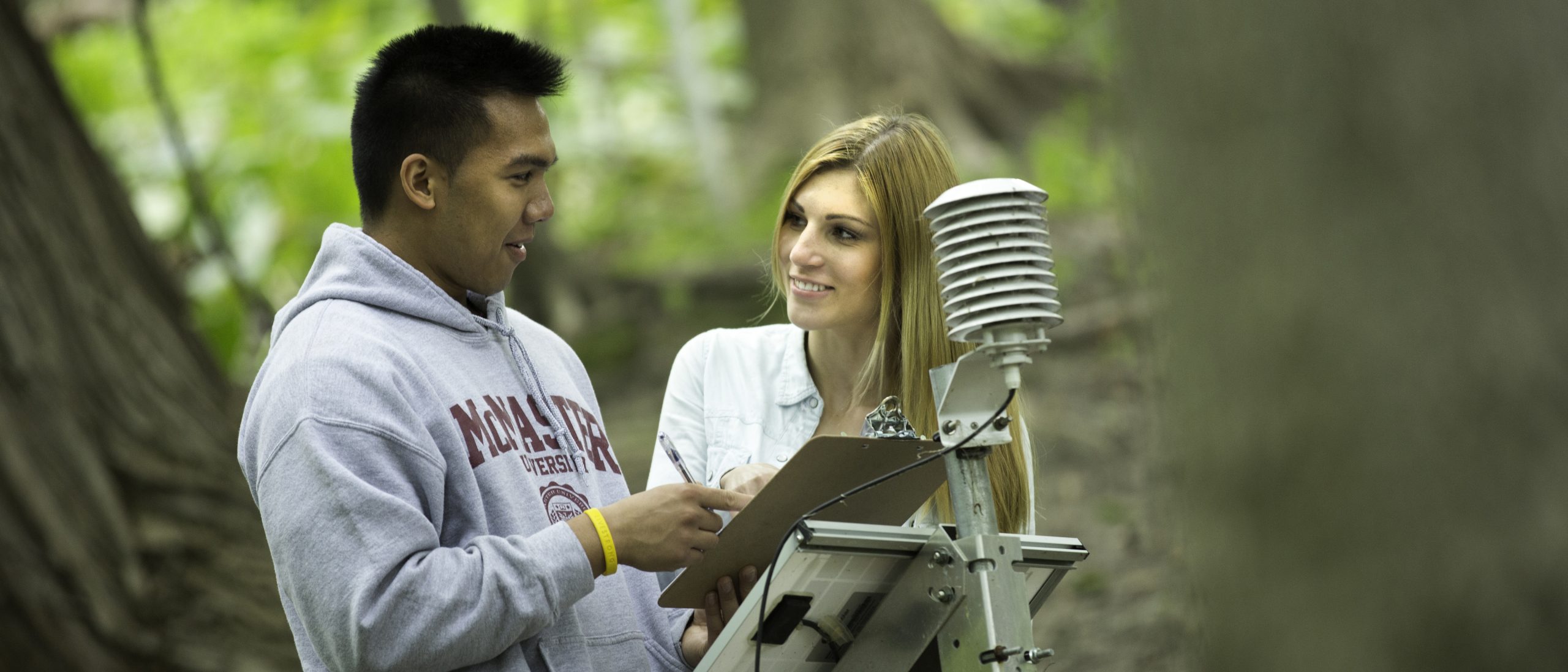
This workshop is geared towards the grade 11 curriculum in Geotechnologies with a focus on operating a GPS unit. A maximum of 30 students for each session is recommended.
There will be a short presentation on GPS and Remote Sensing, and then students will walk around McMaster University to various points. Each student using a GPS unit must leave a piece of identification which they will have returned to them once the GPS has been returned. Since this is an outdoor, students in this workshop are advised to dress weather appropriate.
WORKSHOP D: MAP SKILLS WORKSHOP (LLOYD REEDS MAP COLLECTION, MILLS LIBRARY). One hour session
A maximum of 30 students per session; students must be accompanied by a teacher.
Students will be introduced to the Lloyd Reeds Map Collection in the Mills Library and will have the opportunity to develop and improve their paper map skills. Advantages of computer GIS maps compared to paper maps and vice versa will also be discussed.
WORKSHOP E: 3-D REMOTE SENSING LAB DEMONSTRATION One hour session
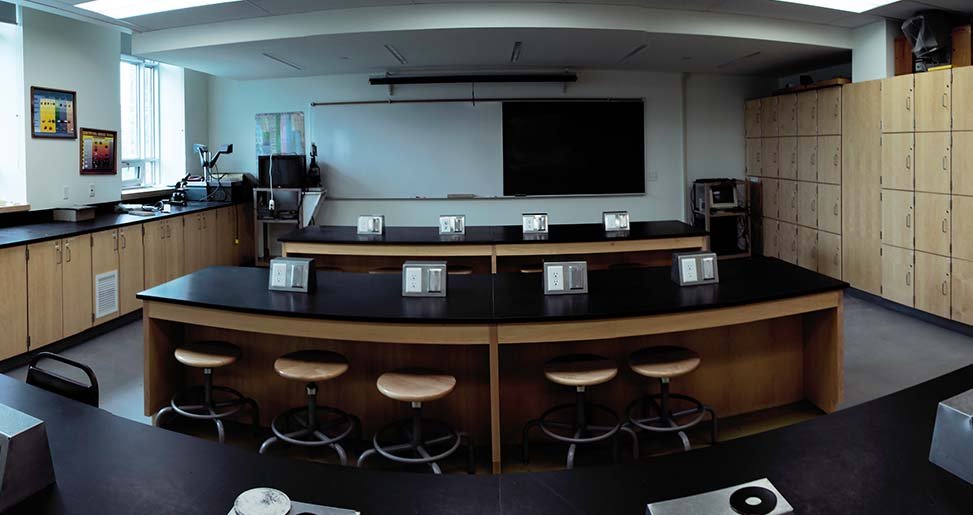
A demonstration of the 3D visualization facility will include an introduction to 3D stereo imaging with Google Earth 3D, and then an integration of multiple satellite remote sensing, geophysical and geological data on Encom Profile Analyst, a more advanced package used for 3D geological modelling and visualization.
For more information please contact: sgescop@mcmaster.ca